Technology Stack










Project Overview
ChatPDF is an AI-powered document assistant built with Next.js that enables users to upload PDF files and converse with them using natural language. Designed for researchers, students, and professionals, the platform leverages Pinecone for high-speed semantic search on document embeddings, LangChain for robust AI integrations, and Google Gemini AI to deliver seamless document analysis, key information extraction, and automated summarization.
Objectives
The project aimed to achieve the following:
- Engineered an AI Document Assistant – Built a scalable platform enabling users to upload PDFs and execute semantic search, analysis, and automated summarization.
- Integrated Vector Search & LLMs – Utilized Pinecone for storing and querying text embeddings, and LangChain to connect Google Gemini AI for accurate, context-aware user responses.
- Implemented Subscription Billing – Integrated Stripe to manage subscription tiers, billing cycles, and customer portal access.
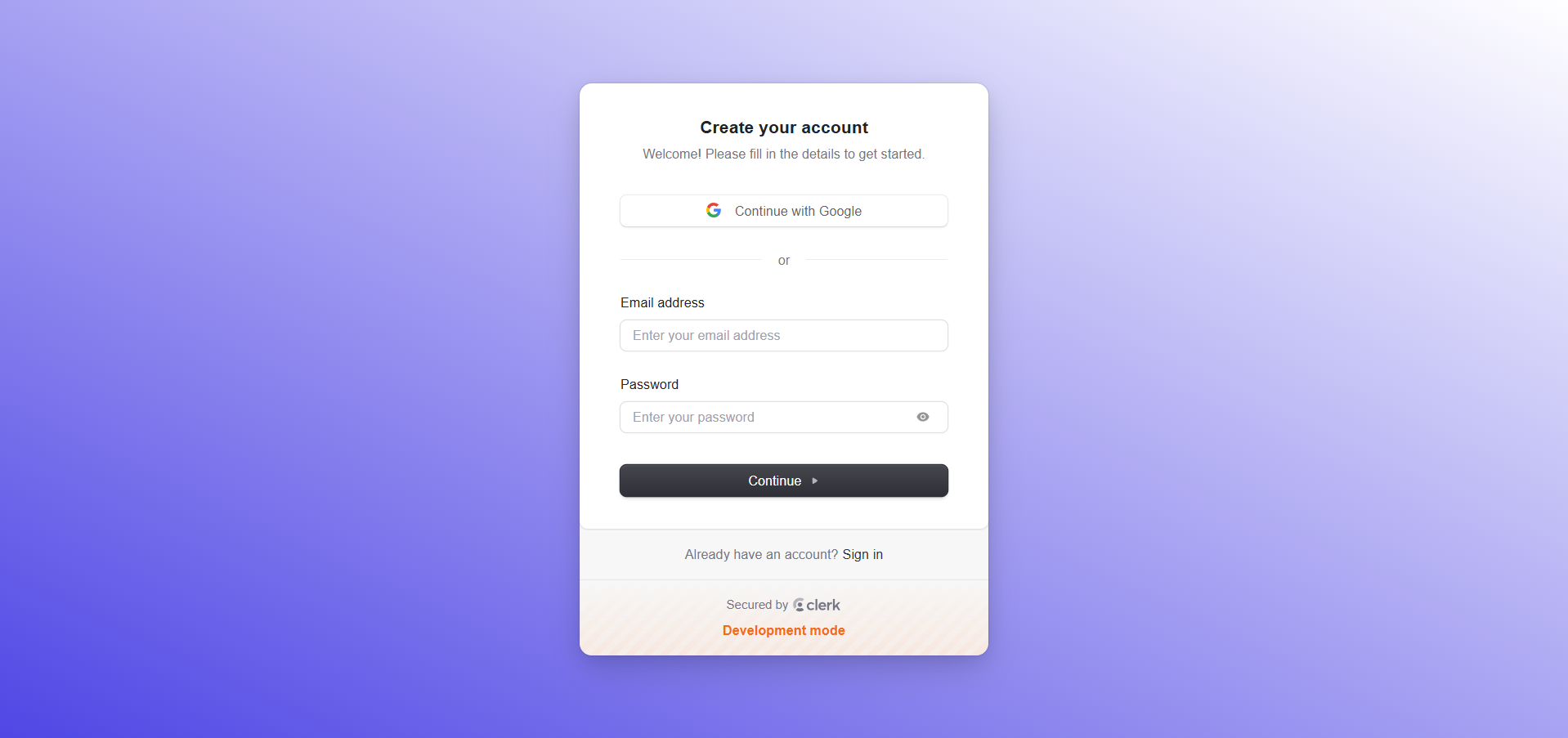
- Secured User Authentication – Deployed Clerk to handle secure multi-factor logins, social authentication, and profile settings.
Architecture Flow
ChatPDF follows a retrieval-augmented generation workflow. Uploaded PDFs are processed into text chunks, converted into embeddings, stored in Pinecone, and retrieved when the user asks a question.
- Uploaded PDFs are stored and processed before being converted into searchable text chunks.
- Document chunks are embedded and stored in Pinecone, allowing semantic search over user documents.
- User questions retrieve the most relevant chunks and pass them to Gemini to generate context-aware answers.
Features
1. Public & Marketing Experience
High-converting presentation pages featuring detailed application values and transparent subscription options.
Landing Page
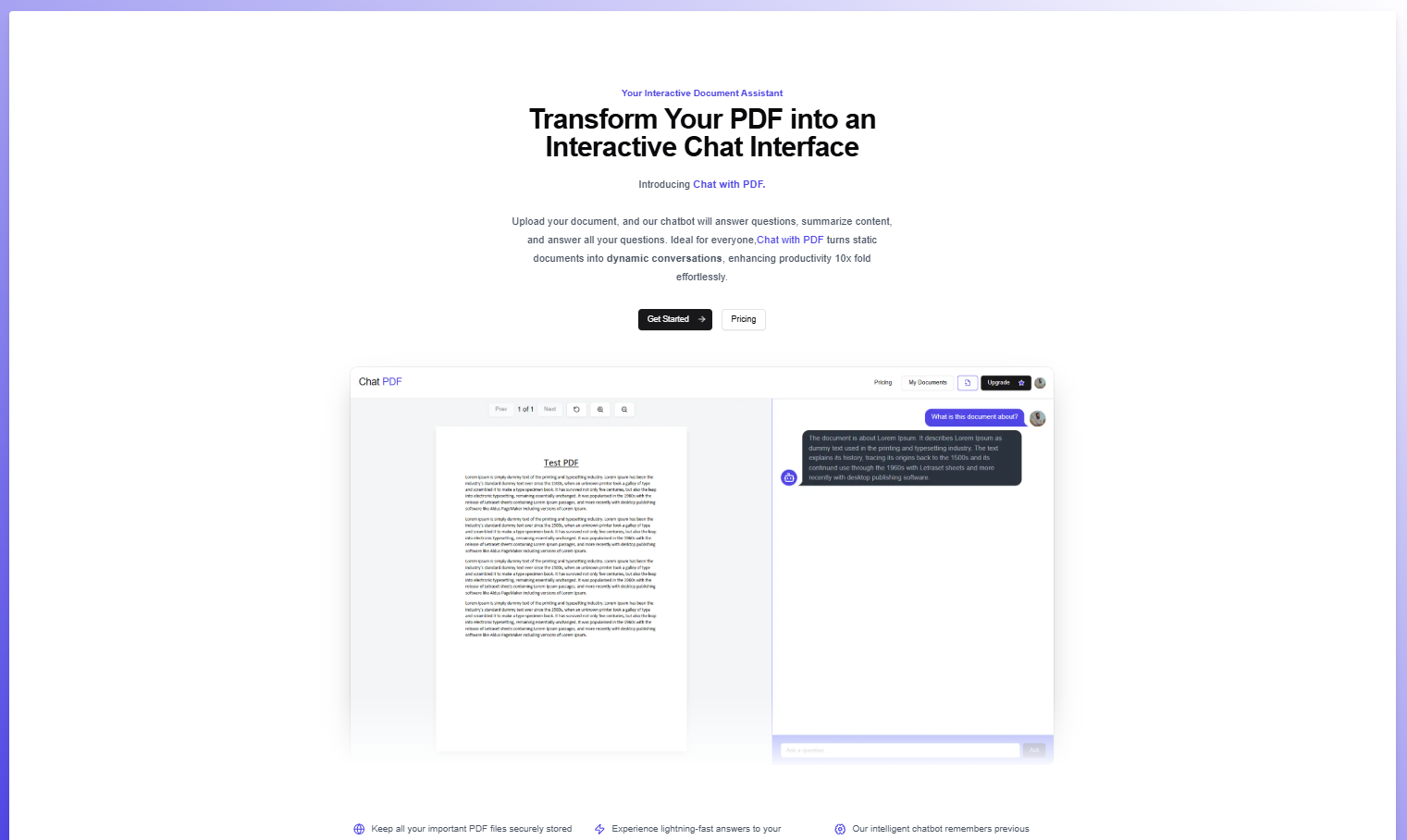
A responsive landing page detailing application features, with quick navigation to authentication and subscription options.
Pricing Page
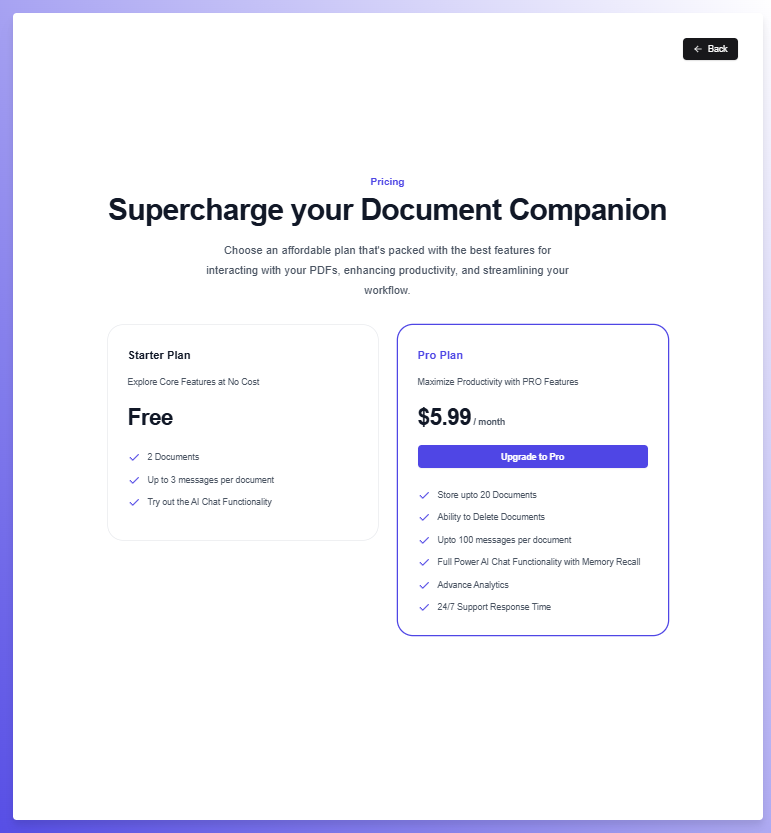
A professional pricing page highlighting the core limits and values of the Free vs. Pro plans, integrated directly with Stripe checkout.
2. Onboarding & Credentials
Secure authentication modules designed for frictionless onboarding.
SignIn Page
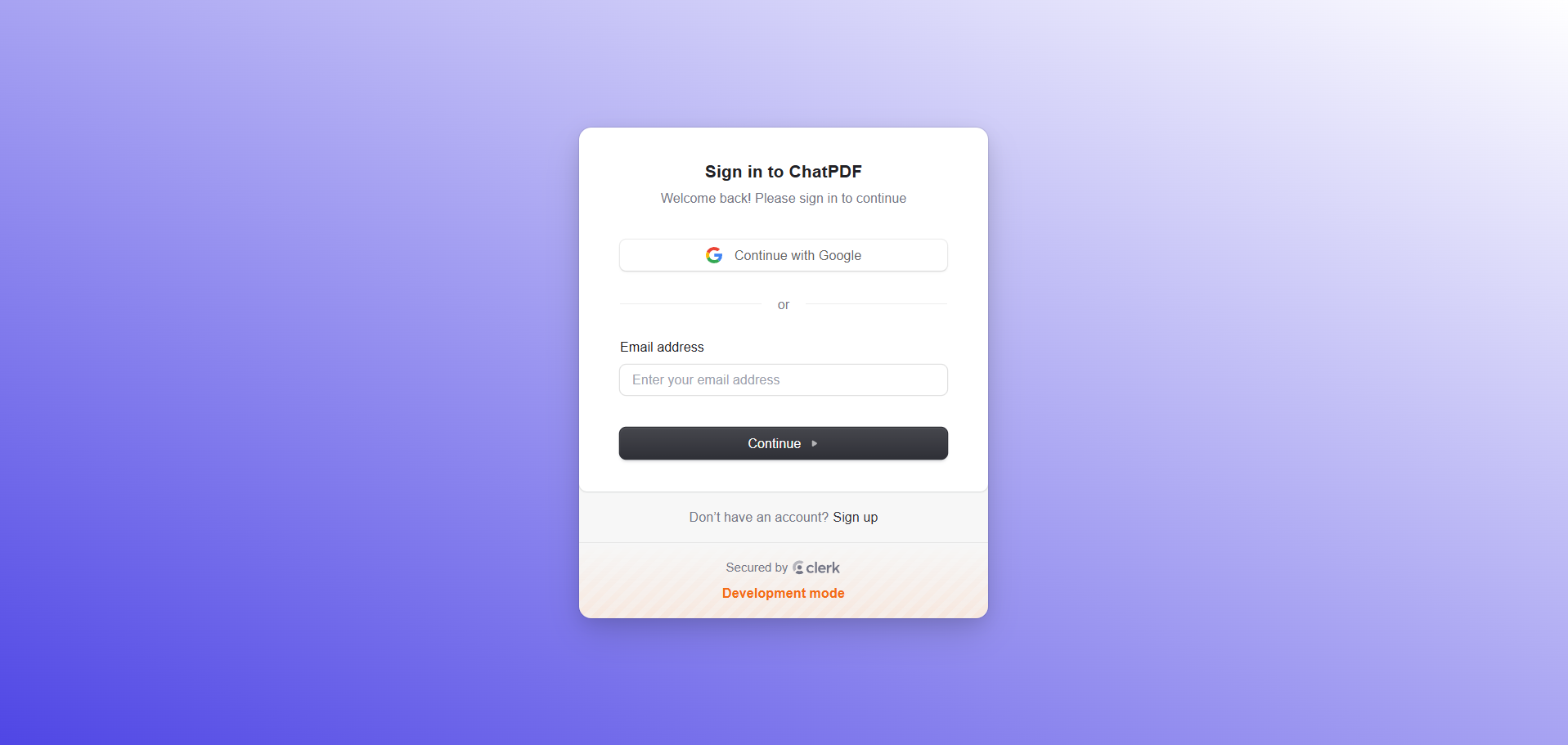
A customized, secure sign-in page powered by Clerk components.
SignUp Page
A customized, secure sign-up flow powered by Clerk components.
3. Document Workspace & AI Collaboration
Centralized user hubs providing high-performance file uploading and vector-based search analysis.
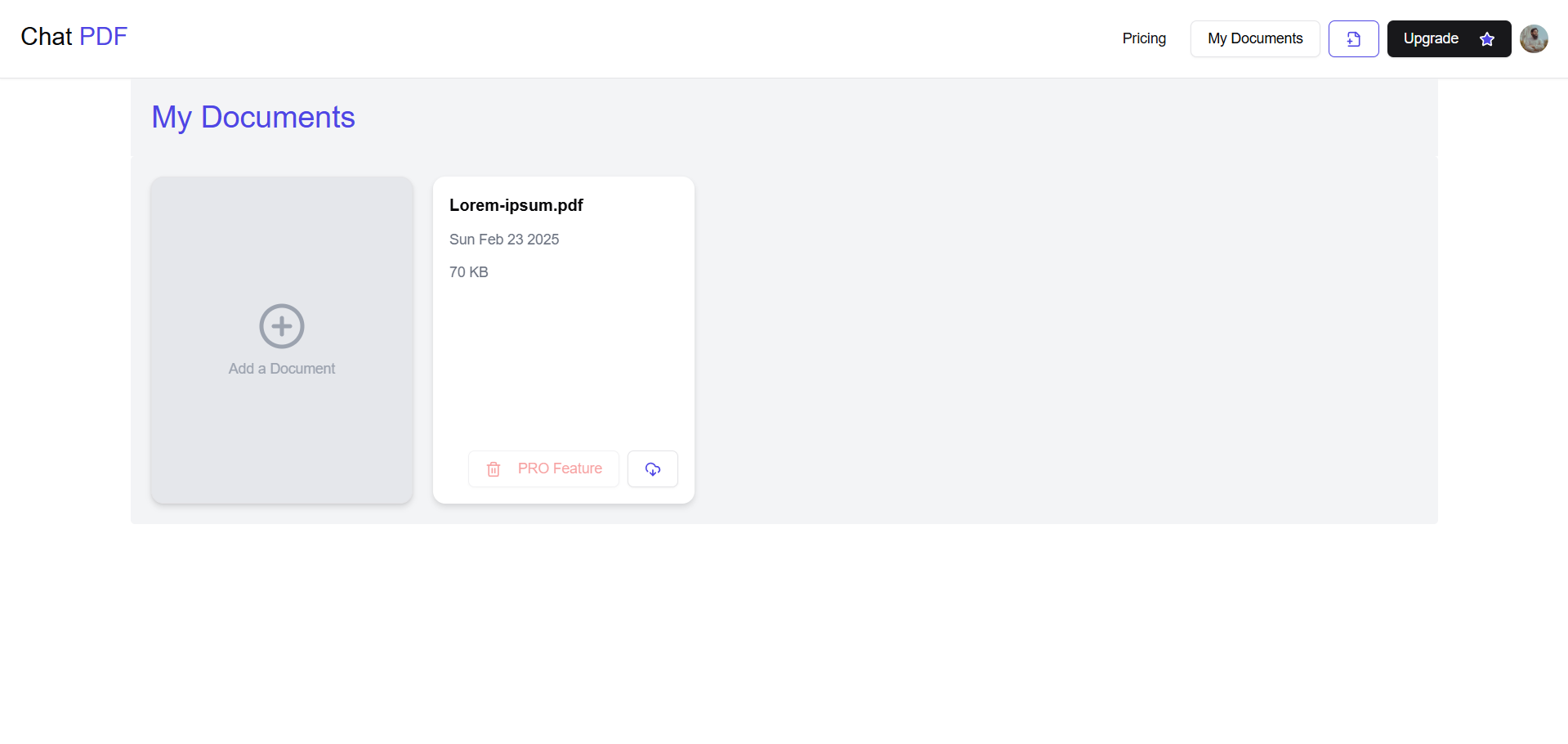
Dashboard Workspace
A unified dashboard showing uploaded documents and chats, offering actions to upload new documents, download files, and delete chats.
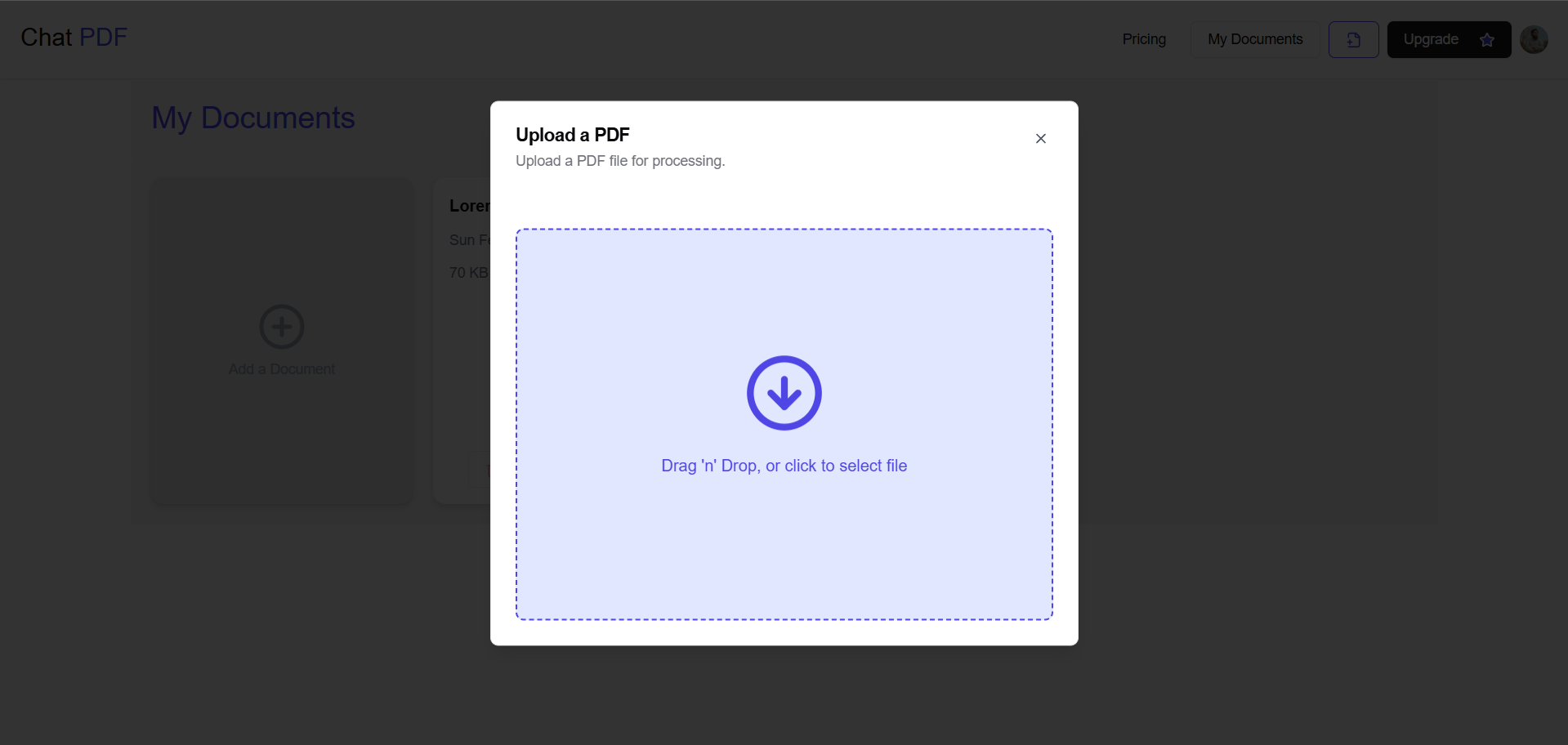
Interactive PDF Upload
An interactive drag-and-drop modal showing real-time text extraction and embedding generation progress during PDF uploads.
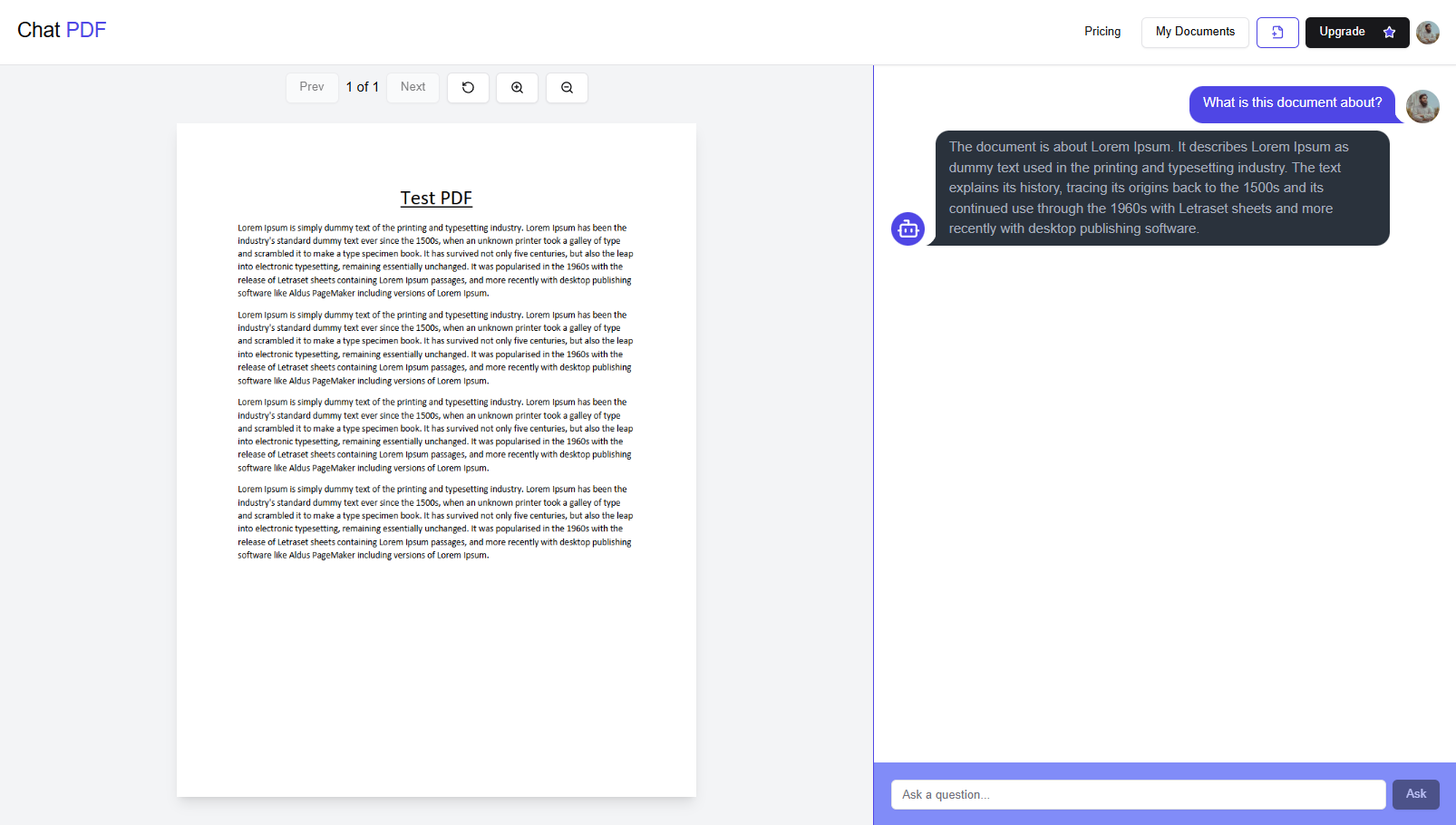
AI Conversation Workspace
A split-pane workspace allowing users to chat with the PDF using AI, view citation source highlights, and navigate pages via a fully featured PDF viewer.
4. Monetization & Subscription Management
Enterprise-grade payment flows powered by Stripe billing elements.
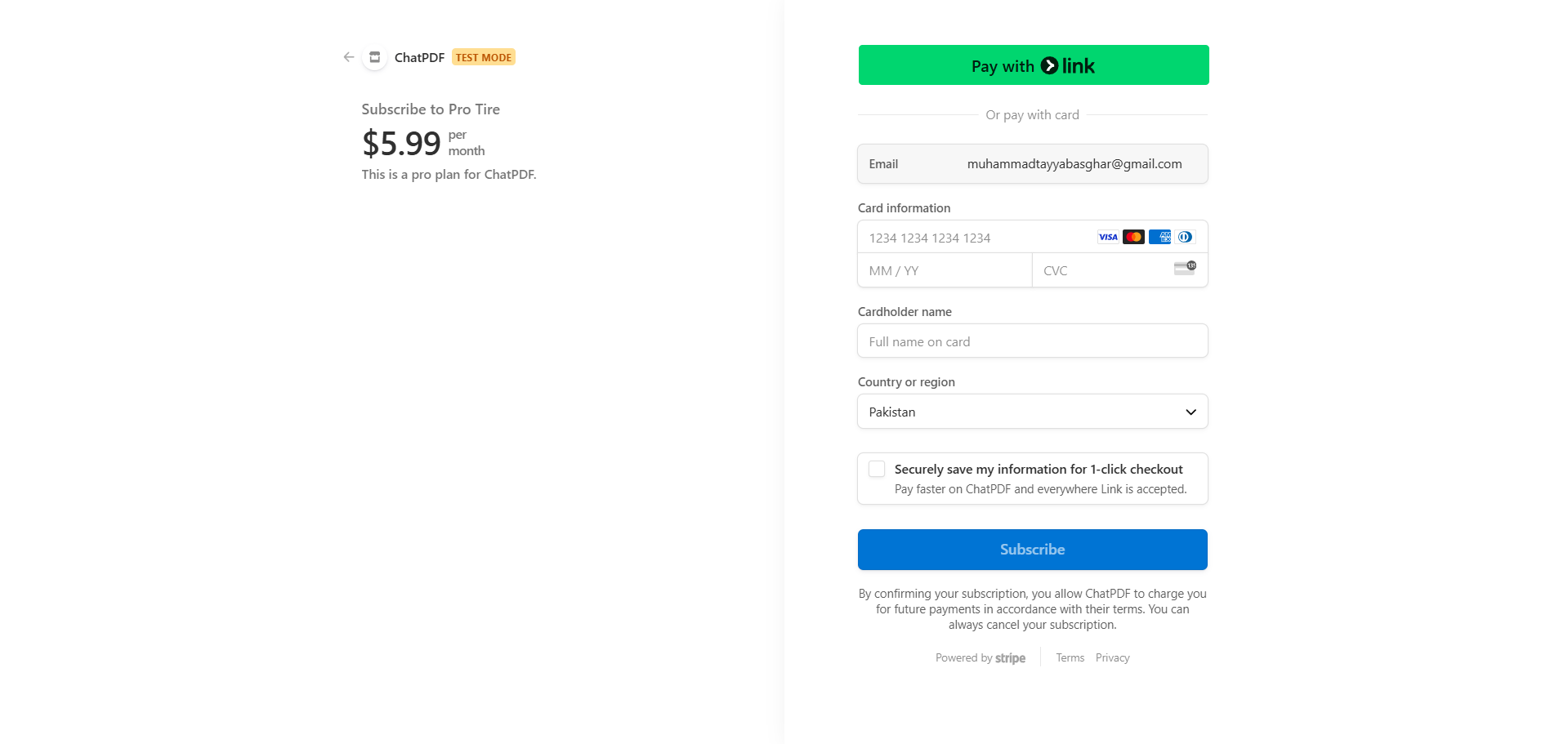
Stripe Subscription Checkout
A streamlined checkout flow using Stripe to purchase Pro-tier monthly subscriptions.
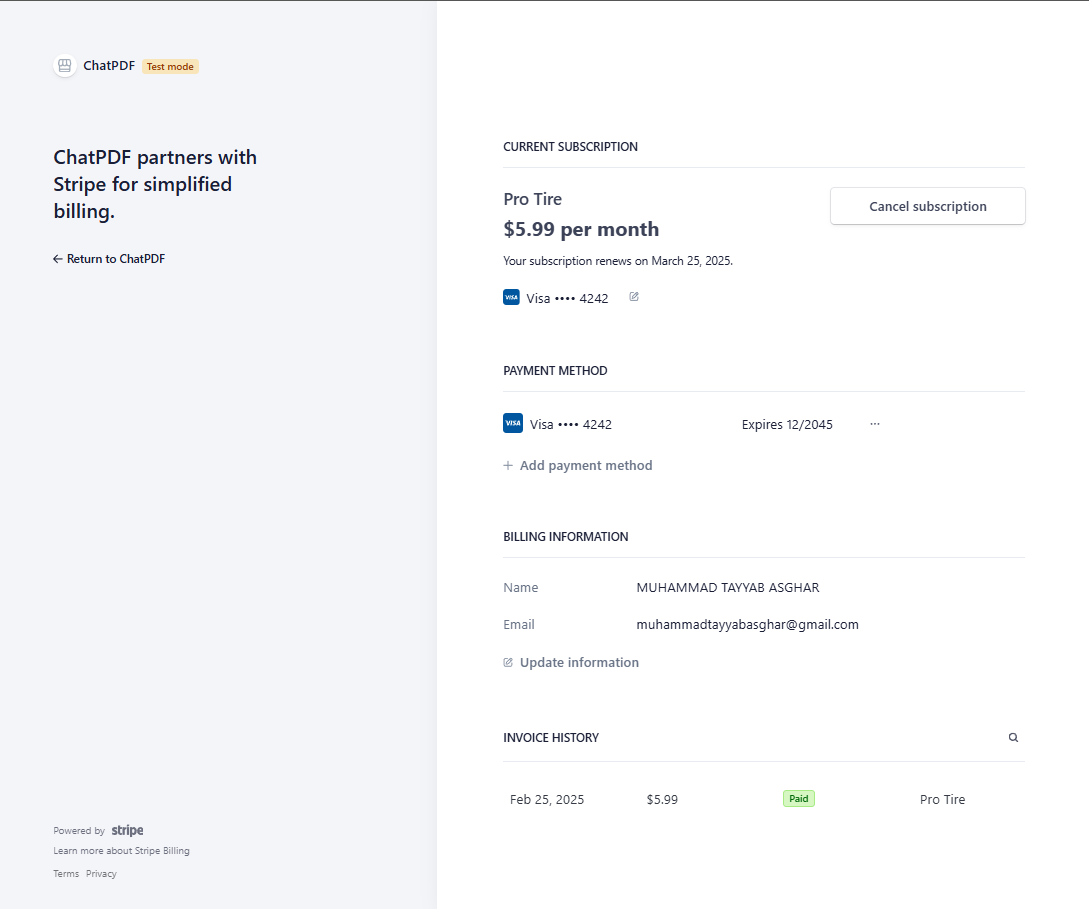
Billing Portal Management
Allows premium members to easily cancel, pause, or renew subscriptions via the Stripe Billing Portal.
Conclusion
Building ChatPDF was a highly rewarding experience in developing production-grade, AI-driven applications. It solidified my expertise in Next.js, vector search databases (Pinecone), and orchestration tools like LangChain for integrating LLMs. Implementing Stripe subscriptions and Clerk auth helped me master SaaS engineering best practices, leading to a secure, scalable product that delivers immediate, real-world utility.